
Your IT Infrastructure Partner
Reliable IT Solutions for a Connected World
EMERGENCY RESPONSE SERVICES
Server Outage, Ransom, Firewall Failure, VPN issues and More
Layer 4 Solutions, Inc. provides comprehensive IT services, including network design, security, cloud solutions, artificial intelligence (AI), and remote support. We help businesses stay secure, connected, and efficient.
Secure Networks
Advanced protection for your business
Cloud & Virtualization
Flexible, scalable, reliable
24/7 Support
Always here when you need us
Network Solutions
Design, setup and support for high-performance networks.
Cloud Services
Microsoft 365, cloud migration, backup and more.
IT Consulting
Strategic guidance for your technology needs, including AI.
Emergency Support
Server Outage, Ransom, Firewall Failure, VPN issues and More
Featured Projects
Our Projects
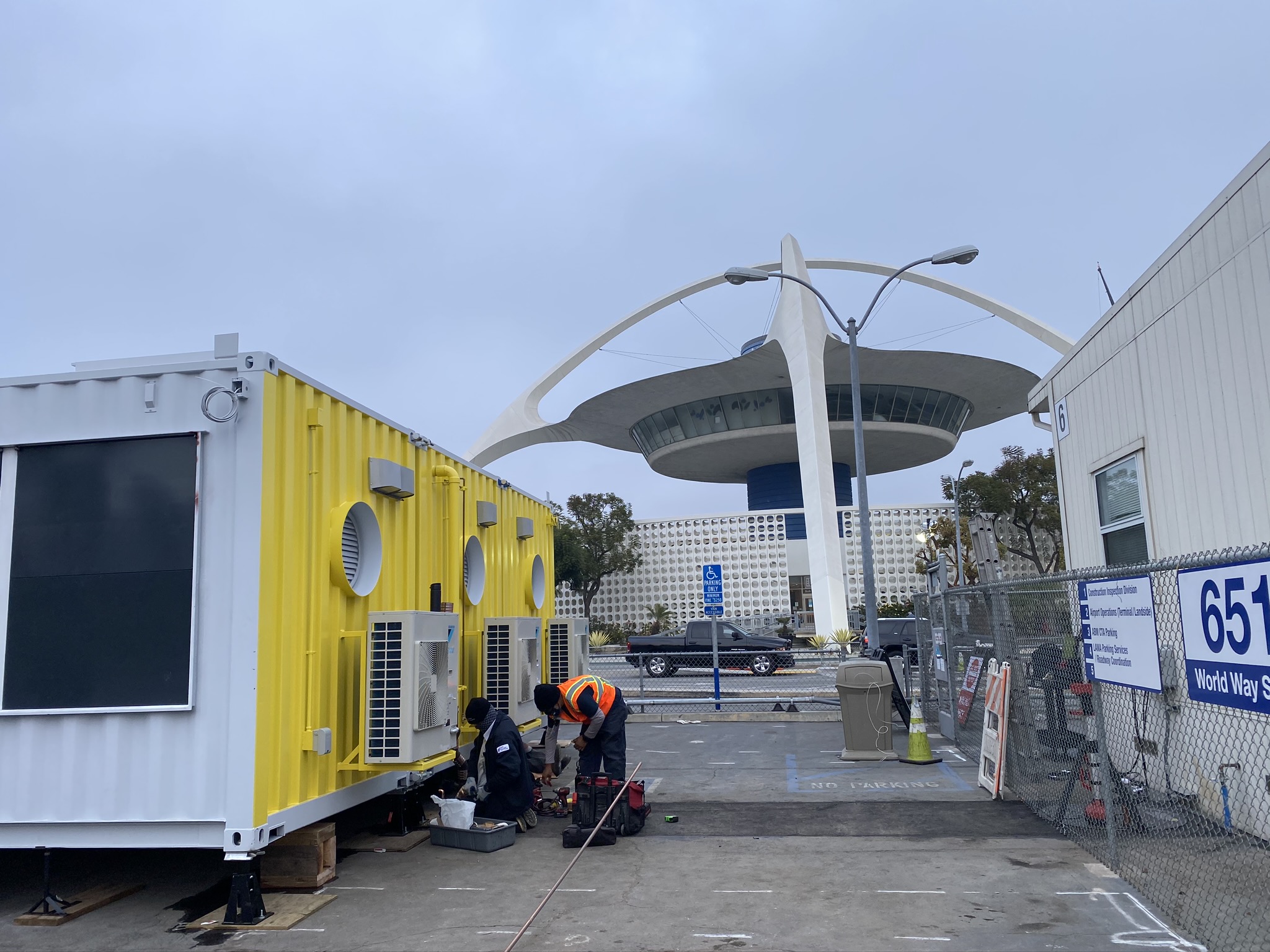
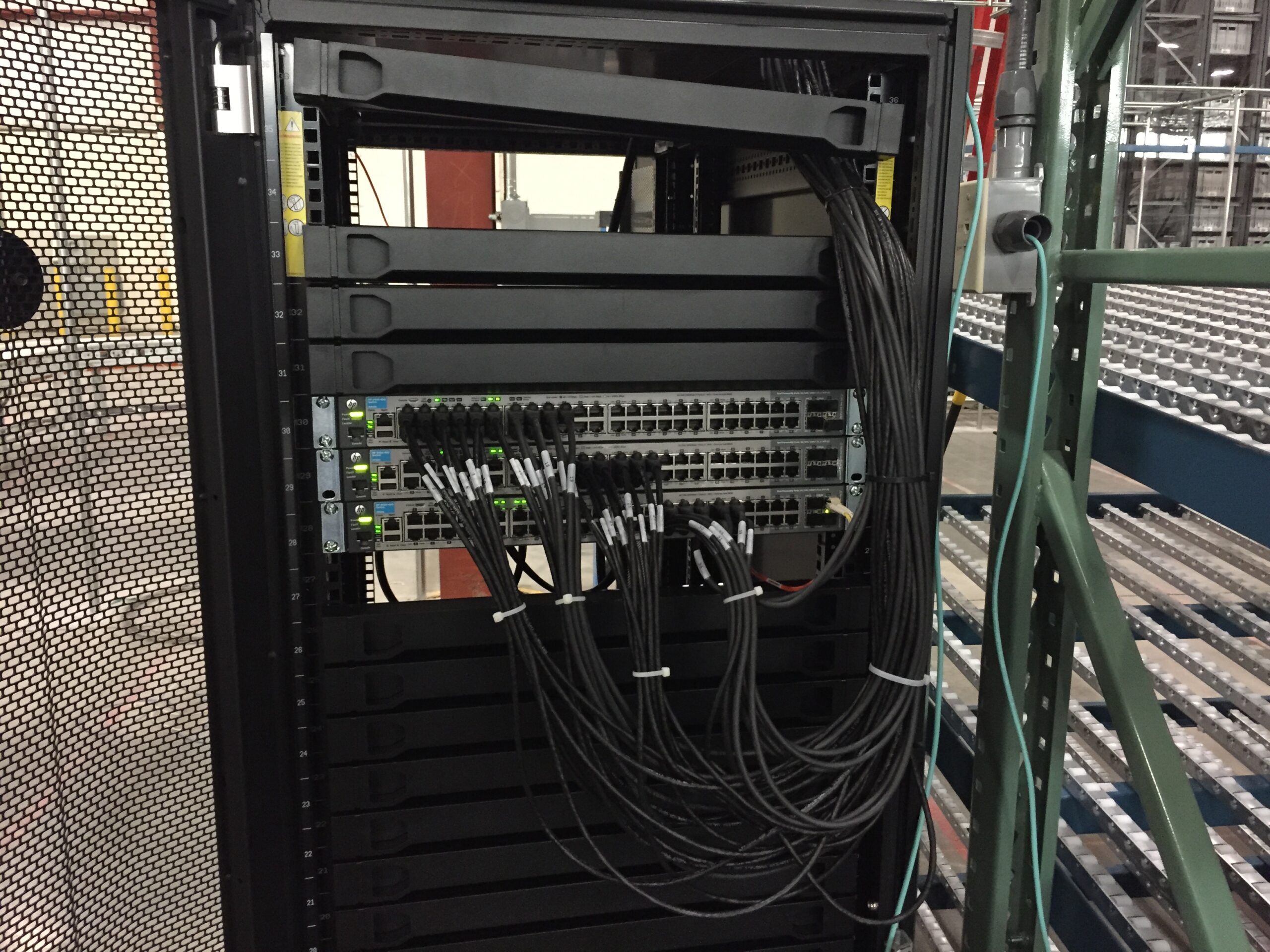
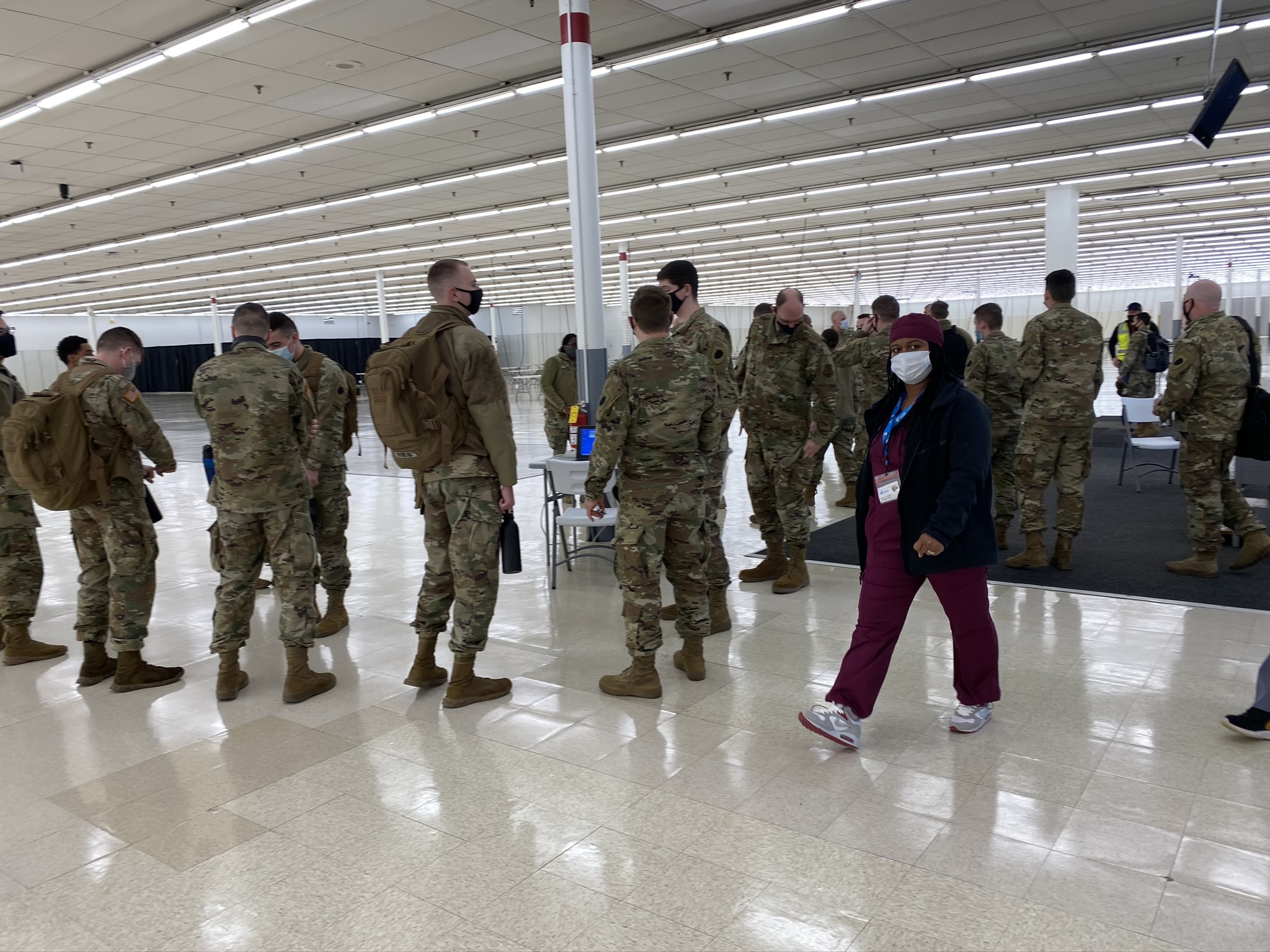
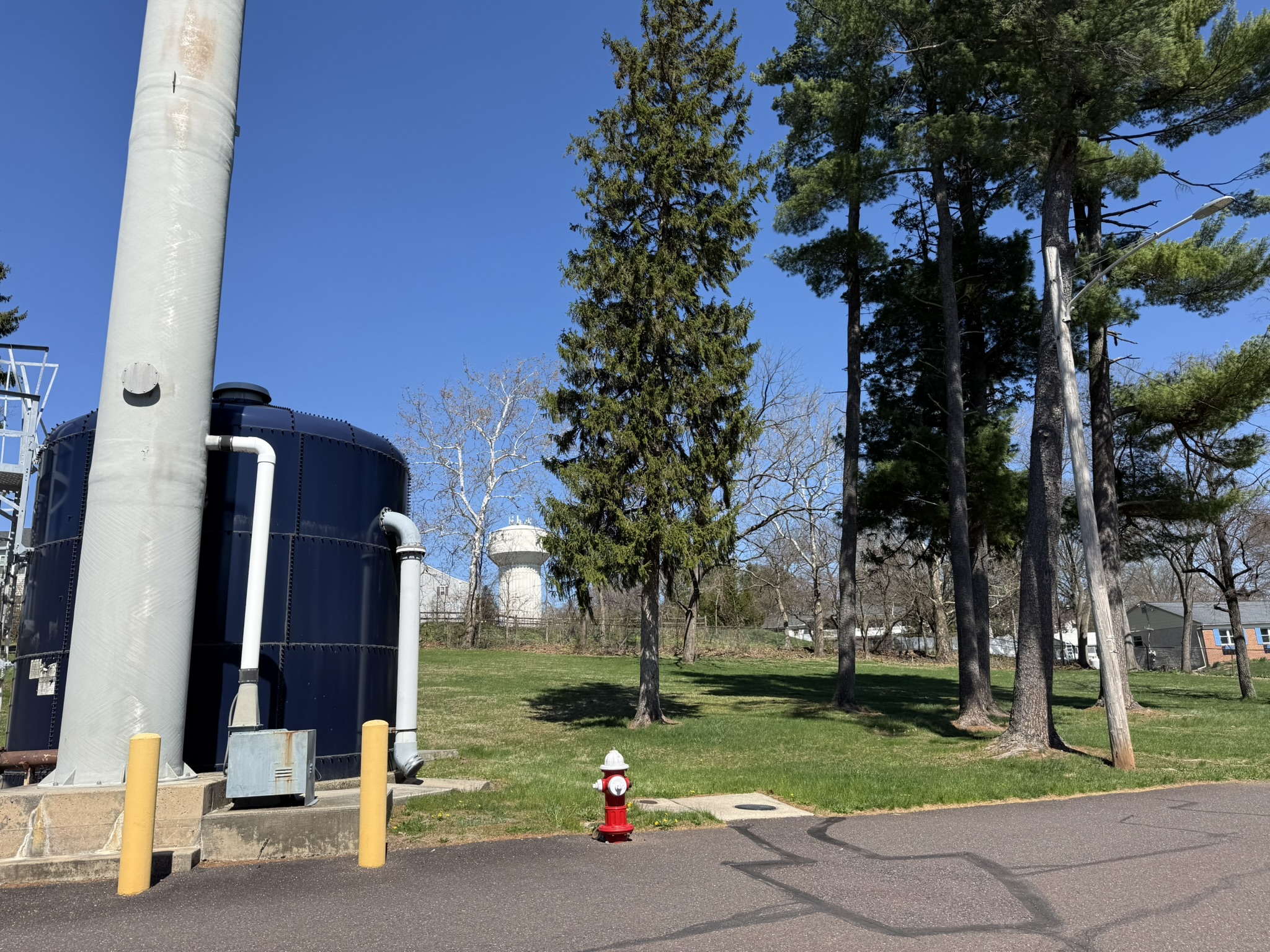
Real deployments for real businesses. Browse the projects below to see the scope, systems and solutions our team put in place.


Our Services
Complete IT Solutions for Your Business
From network infrastructure to cloud services, we deliver reliable and scalable IT solutions tailored to your needs. Our experienced team ensures your systems are secure, efficient, and always running.
Network Installation
LAN/WAN, switches, routing, wireless.
Cloud & Backup
Protect your data and stay compliant with industry standards.
Security Solutions
Firewalls, endpoint protection, monitoring.
IT Consulting
Optimize, plan, and grow your IT.
Trusted By Businesses
Complete IT Solutions for Your Business
Data Recovery
Think Your Data Is Gone? Think Again.
Do you fear that a damaged or failed drive is the end of the line for your data? Often, companies believe that their data is lost — but you should not assume that data is lost before contacting us. We have strong partnerships who tell us:
Fire damage
Heat destroys the housing, not always the platters.
Ransomware
Encryption is not always the end of the road.
Failed backups
Corrupted, deleted, or overwritten backups have been recovered.
Water damage
Corrosion is the real threat, and corrosion takes time.
Physical destruction
Crushed, shattered, or melted devices.
Power failure
Sudden shutdowns can corrupt data, but recovery is often possible.
Deleted data
Files aren't truly gone until they're overwritten.
Full Capabilities
Everything We Support, Day to Day
Beyond the essentials, our team handles the detailed, ongoing IT work that keeps businesses compliant, connected, and protected. Expand each category to see the full scope.
Network & Infrastructure
- Site-to-site VPN between locations
- Client-to-site VPN (Global & SSL clients, incl. Mac)
- SonicWall High Availability Cluster support & Deep Packet Inspection
- SD-WAN setup and outage monitoring (VeloCloud)
- T-1, DS1, DS3 and Metro Ethernet fiber connections
- Support for 380+ Cisco Aironet & Aruba wireless access points
- VLAN design and multi-VLAN access management
- HPE Power-Over-Ethernet Layer 3 managed switches & stacks
Security & Compliance
- HIPAA compliance & remediation, incl. Business Agreements
- PCI (Payment Card Industry) compliance
- Gramm-Leach-Bliley Act & Sarbanes-Oxley (SOX) compliance
- Ransomware recovery, even on extremely short notice
- Cyber security insurance policy application support
- Firewall, intrusion detection & video security integration
- Multi-antivirus platform support & emergency PC cleanup
- Spam filtering, local and MX record based
Cloud, Backup & Disaster Recovery
- Full server replication & failover to remote datacenter (DoubleTake)
- Veritas Backup Exec nightly backup & emailed reporting
- Cloud backup support: eVault, iDrive, Mozy and more
- Robotic library & autoloader backup devices
- Disaster recovery for servers, email systems, SUSE & Linux variants
- Disaster recovery for firewalls, wireless access points, routers, fiber endpoints
- APC PowerChute electrical event notifications & bi-weekly self-test diagnostics
Servers & Systems
- On-site/on-premise Microsoft Exchange Server setup & migration
- Microsoft Active Directory: user accounts & centralized password/login
- VMware, Windows Server & Hyper-V virtualization
- HPE ProLiant server hardware: RAID, redundant power, SAN & storage
- Integrated Lights-Out (iLO2 – iLO5) support
- Predictive failure alerts: RAID, disk drives, power supplies
- Windows Server 2003 through 2025, and Windows 7 through 11 end-user support
Communications & End-User Support
- Full VoIP design, implementation & support
- Fiber optic & broadband troubleshooting (Comcast, RCN, Cox, Verizon, Airespring)
- Networked printer & MFP sharing, incl. scan-to-folder integration
- Fax line and alarm dial-tone issue support
- Email & smartphone access for iPhone, iPad, Android
- Microsoft Office & Outlook end-user support
- IP scheme & DHCP management for printers and devices
Typical M365 and Cloud/AI Engagement and Scope of Services
Typical Microsoft 365 and Cloud/AI Engagement and Scope of Services
1. Governance
The objective of this engagement is to establish and maintain Microsoft 365 and AI security governance through initial implementation services and ongoing monthly governance. These services help ensure that the Microsoft 365 environment remains secure, compliant, and properly managed.
– Microsoft Intune Deployment and Management: Deployment and configuration of Microsoft Intune to support centralized endpoint management, device compliance, and secure access across the organization.
– Identity and Access Management: Configuration and management of Microsoft Entra ID, including Conditional Access policies to enforce secure authentication, access controls, and device compliance requirements.
– AI Enablement and Governance: Enablement and governance of Anthropic Claude Enterprise, including SAML-based single sign-on (SSO) integration with Microsoft Entra ID, Conditional Access enforcement, administrative policy configuration, approved SharePoint connector integration, and integration with Microsoft Defender for Cloud Apps and Microsoft Purview Data Loss Prevention (DLP).
– AI Acceptable Use and Training: Guidance on AI acceptable use policies, responsible AI adoption, data handling, and end-user awareness training.
This engagement aims to deliver a securely governed Microsoft 365 and AI-enabled environment aligned with Microsoft security recommendations and the organization’s internal security and compliance requirements.
2. Typical Implementation Services
2.1 Preparation and Provisioning
– Analyze and audit the existing Microsoft 365 environment, including users, devices, licensing, and current security configurations.
– Review licensing requirements and map the appropriate Microsoft Entra ID and Microsoft Intune licenses to support the planned deployment.
– Prepare and provision the Intune tenant environment and required administrative configurations.
– Identify deployment requirements, dependencies, and potential security gaps.
2.2 Policy Configuration and Security Baselines
– Configure the Microsoft Intune environment, including device configuration profiles, security policies, and compliance policies.
– Create, test, and deploy baseline Conditional Access policies in Microsoft Entra ID.
– Establish standardized workstation configurations to improve security, consistency, and usability.
– Configure printer mappings, SharePoint access, OneDrive redirection and synchronization, BitLocker encryption, automatic screen locking, and other agreed workstation settings.
– Validate policy enforcement and confirm that the configurations meet the organization’s operational and security requirements.
2.3 Mobile Device Management (iOS and Android)
– Configure Microsoft Intune Mobile Application Management (MAM) and applicable mobile device management policies.
– Implement application protection policies to safeguard corporate data on supported iOS and Android devices.
– Configure device enrollment and compliance requirements where applicable.
– Apply appropriate controls to corporate applications and organizational data while minimizing disruption to end-user productivity.
– Test mobile access, data protection, and compliance enforcement.
2.4 Enrollment and End-User Adoption
Onsite and virtual end-user orientation sessions will introduce staff to the organization’s Microsoft 365 environment, device management framework, and security requirements.
Training will cover the following topics:
– Microsoft Intune: Device management, device registration, enrollment, and use of the Intune Company Portal to access company resources.
– Microsoft Entra ID: Secure sign-in practices, multifactor authentication where configured, Conditional Access, and identity protection.
– Self-Service Password Reset (SSPR): How to access and use the password reset portal.
– Email Security: How to review and release quarantined email messages in accordance with organizational policies and permissions.
– Sensitivity Labels and Data Protection: An overview of implemented Microsoft Purview sensitivity labels, data classification, and associated security policies.
– Responsible AI Usage: Guidance on approved AI tools, appropriate use cases, sensitive information handling, and organizational AI policies.
– Security Awareness: Practical guidance on security best practices, user responsibilities, and the dos and don’ts of the implemented security controls.
3. AI Enablement and Governance
3.1 Anthropic Claude Enterprise Deployment and Microsoft Security Integration
– Provision and configure the Anthropic Claude Enterprise tenant.
– Integrate Claude Enterprise with Microsoft Entra ID using SAML-based single sign-on (SSO).
– Configure Conditional Access enforcement in accordance with the organization’s identity and access policies.
– Configure administrative policies within the Anthropic console, including data retention settings, model training opt-out settings, and Model Context Protocol (MCP) connector consent governance, subject to the available enterprise features.
– Configure one approved SharePoint connector and validate its access permissions, data exposure controls, and sensitivity label handling.
– Update Microsoft Defender for Cloud Apps configurations to govern Claude as an approved enterprise application, where supported by the applicable licensing and integration capabilities.
– Configure Microsoft Purview DLP policies to help protect sensitive organizational information when interacting with Claude, subject to supported service integrations and licensing.
– Validate the end-to-end authentication, access control, connector permissions, and data protection configurations.
3.2 AI Acceptable Use Policy and End-User Training
– Review and update the organization’s existing Acceptable Use Policy to include Claude-specific requirements.
– Define approved AI use cases, prohibited activities, and requirements for handling confidential and sensitive information.
– Establish guidelines for AI connector approvals, data sharing, and administrative consent.
– Define escalation and reporting procedures for suspected data exposure, policy violations, or inappropriate AI usage.
– Provide end-user guidance on responsible AI usage and compliance with organizational security requirements.
4. Ongoing Monthly Governance Services
The following services provide ongoing oversight, monitoring, reporting, and recommendations to maintain the organization’s Microsoft 365 and AI security posture.
4.1 Microsoft Intune Policy Governance and Configuration Drift Monitoring
– Review Intune configuration and security policies.
– Monitor device compliance and identify configuration drift.
– Review policy exceptions and recommend corrective actions.
– Provide guidance on maintaining consistent endpoint security standards.
4.2 Microsoft Entra ID Conditional Access and Identity Risk Monitoring
– Review Conditional Access policies and enforcement.
– Monitor available identity risk and sign-in risk alerts.
– Review authentication anomalies and access-related security events.
– Recommend policy adjustments to address emerging identity risks.
4.3 Microsoft Defender Security Posture Monitoring and Alert Review
– Review available Microsoft Defender security posture information and alerts.
– Identify significant security findings and configuration gaps.
– Review relevant alerts and recommend remediation actions.
– Provide guidance on improving the organization’s security posture.
4.4 Microsoft Defender Device Compliance Monitoring and Review
– Review endpoint security and device compliance status.
– Identify noncompliant or at-risk devices.
– Review relevant endpoint security alerts and policy exceptions.
– Recommend remediation steps and improvements to device security controls.
4.5 Microsoft Purview DLP and Sensitivity Labeling Oversight
– Review configured Data Loss Prevention policies and sensitivity labels.
– Assess policy effectiveness and identify recurring violations.
– Provide recommendations for policy tuning and improved data protection.
– Review exceptions and support the appropriate handling of policy-related incidents.
4.6 Microsoft Purview Data Exposure Monitoring and Policy Tuning Guidance
– Review available data security and exposure insights.
– Identify potential oversharing, inappropriate access, and data protection gaps.
– Recommend improvements to permissions, labeling, and DLP policies.
– Provide guidance on reducing the risk of unauthorized data access or disclosure.
4.7 Anthropic Claude Usage Monitoring and Connector Consent Review
– Review available Claude Enterprise usage and administrative activity information.
– Review approved connector configurations and consent permissions.
– Assess compliance with organizational AI usage and data handling policies.
– Identify potential risks associated with connector access and AI-related data exposure.
– Recommend adjustments to administrative controls and approved AI usage practices.
4.8 Third-Party Application Oversight
– Review third-party application integrations and OAuth permissions.
– Identify applications with excessive permissions, suspicious access patterns, or elevated risk.
– Review application consent grants and recommend remediation where necessary.
– Assess third-party application security updates and reported vulnerabilities using available security information.
– Provide recommendations for reducing risks associated with third-party applications.
4.9 Security Posture Reporting and Executive Summary
– Prepare a monthly security posture report covering key findings, policy status, identified risks, and recommended actions.
– Summarize significant security alerts, device compliance trends, identity risks, and data protection observations.
– Track outstanding remediation items and provide status updates.
– Prepare an executive summary highlighting the organization’s security posture and priority areas for improvement.
4.10 Cyber Insurance and Audit Documentation Support
– Assist with the preparation and organization of security documentation for cyber insurance reviews and audit requests.
– Provide available evidence of relevant Microsoft 365 security configurations, policies, and governance activities.
– Document identified gaps, remediation recommendations, and implementation status.
– Support responses to reasonable security and compliance documentation requests within the agreed scope.
5. Engagement Outcomes
The engagement is intended to establish and maintain a securely governed Microsoft 365 and AI environment through standardized endpoint management, identity and access controls, data protection policies, approved AI integrations, user awareness, and ongoing security oversight.
The monthly governance services provide continuing visibility into the security posture, help identify configuration and compliance gaps, and support informed decisions about remediation and risk reduction.
The scope, service frequency, reporting requirements, supported integrations, and remediation responsibilities will be agreed upon before implementation. Service delivery is subject to the organization’s Microsoft and Anthropic licensing, available product capabilities, and agreed access permissions.
Clients
Our Strategic Partners
We are proud to work with industry leaders and innovative companies across various sectors.

Full Capabilities
Ready to Get Started?
Contact us today to discuss your IT needs and discover how Layer 4 Solutions, Inc. can help your business grow.
Locations
Our Office Locations
Three regional offices, one centralized fax line, and satellite access for anywhere in the world.
Greater Pittsburgh
Metro area, including West Virginia, Indiana and Ohio
+1-412-295-3972
Phone
Centralized Fax
One fax number for all offices
INMARSAT Satellite: Global Access
Reach us from anywhere in the world